My Zigbee Journey
Overview
Over the last few months, I have been setting up my home assistant server. Like most people starting out I decided to opt to use Wi-Fi devices such as smart plugs. Since they are everywhere, cheap and just work
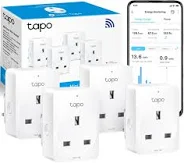
However I they have not been without there issues, the first is the long setup time. Almost all of them require some form of app to setup to and get them connecting to my network, with this having to be repeated for EVERY device. They also need to be plugged in as Wi-Fi is a very power heavy form of commination. This where ZigBee comes in.
I began with a Sonoff Zigbee 3.0 USB Dongle Plus, which integrated seamlessly with Home Assistant. It was discovered almost instantly, although because I’m running everything in Docker, I did need to configure USB passthrough and give the container permission to access the device.
Motion Sensors
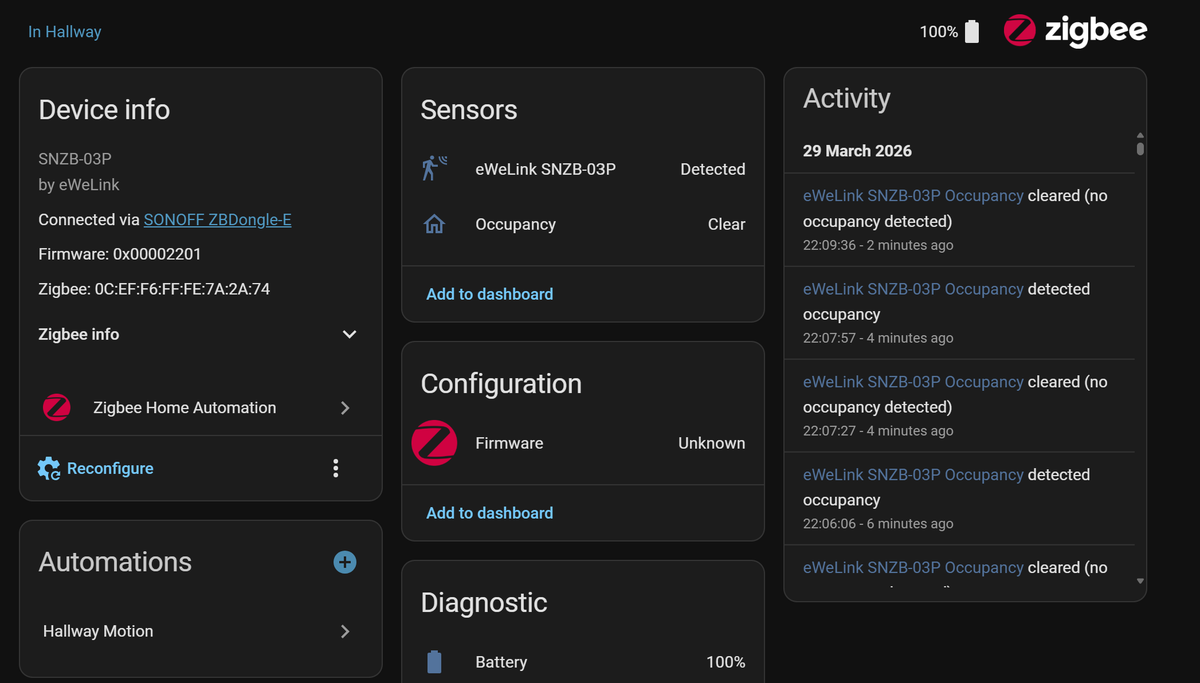
The first Zigbee device I added was a Sonoff Motion Sensor — and this is where things started to feel properly automated.
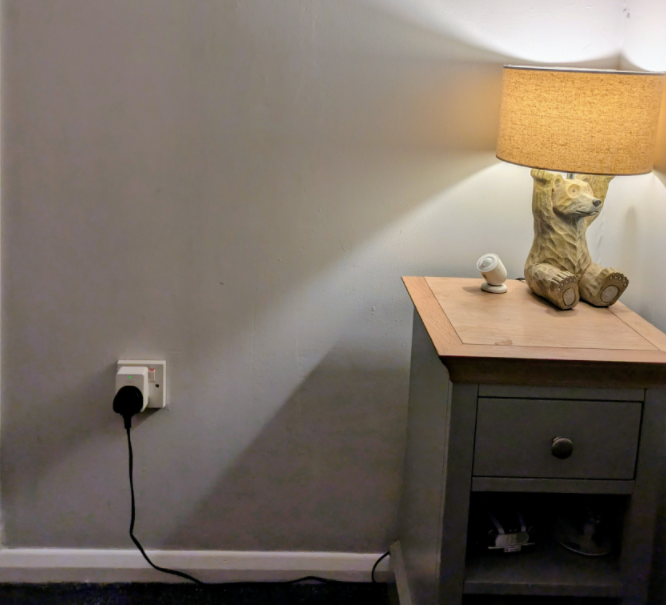
.One of the biggest advantages is that it’s completely wireless, with a battery that can last up to a few years. That means you can place it exactly where it makes sense, rather than where a plug socket happens to be.
I used it to automate lighting in areas like the hallway. Allowing me to setup an automation where you walk into the hallway and the light automatically turns on and after a period of no activity it turns off
I set the automation to only trigger at night, which makes it really useful if you get up in the middle of the night — you’re not walking around in the dark, but you’re also not blasting lights on during the day when they’re not needed.
It’s a small thing, but it makes the house feel much more thoughtful.
In Wall Switches
While using smart bulbs on smaller lamps is great, there are times when you still need control over the main ceiling lights. I could have used smart bulbs there, but that usually removes the functionality of the physical wall switch—turning it off would simply cut power to the bulb entirely.
Instead, I chose to use smart switches. These sit behind the existing wall switch, allowing the light to be controlled both manually and through Home Assistant. This way, everything still works as expected for anyone using the switch, while also giving me full smart control. It also means they will continue to work even if the home assistant sever goes down.
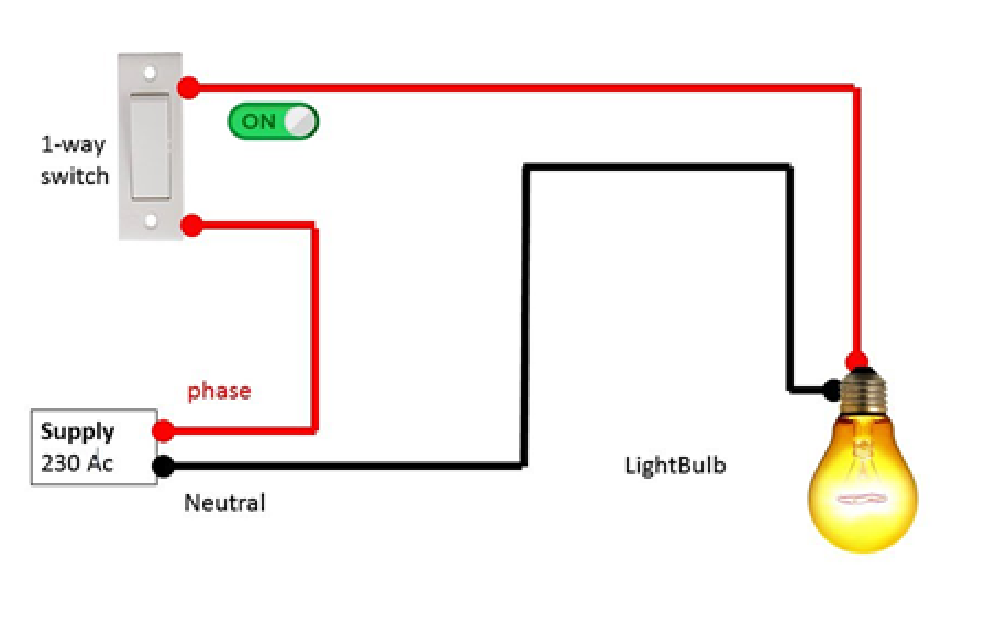
One of the main challenges I ran into was finding a smart switch that actually worked with my house’s wiring. Most UK homes use a one-way lighting circuit, where the wall switch simply interrupts the live wire to turn the light on and off.
This becomes a problem because many smart switches—like the Shelly Gen 3, which I initially bought—require a neutral wire to function. Since my switches didn’t have a neutral available, that option wasn’t going to work.
 SONOFF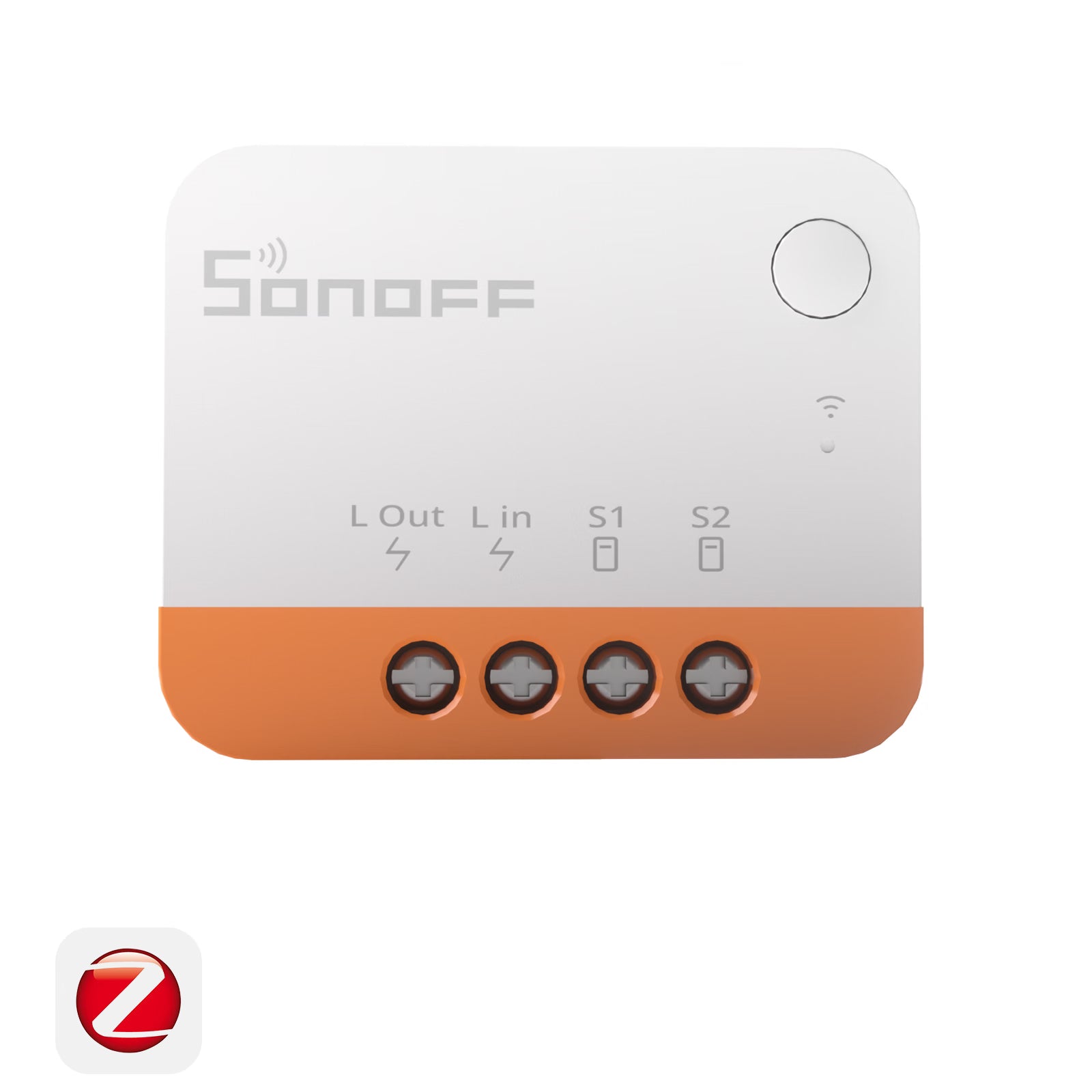
After a bit of research, I came across the Sonoff Smart Switch range, which includes a variant designed specifically for setups without a neutral wire. This made it a much better fit for my home and allowed me to keep the existing wiring while still adding smart control.
Looking forward
In the future, I plan to add more of these switches around my house, including dimmer variants. This will give more control over lighting while still keeping the familiarity of physical wall switches and knobs for my faimily.
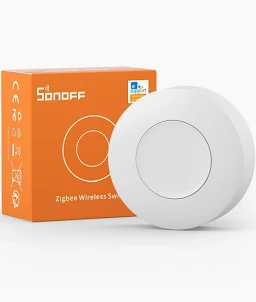
I also want to introduce some Zigbee wall-mounted buttons. These are perfect for triggering automations—like a single “power down the house” button—so there’s no need to rely on the Home Assistant UI for everything. It makes the system feel much more natural and usable for everyone in the house.

Beyond lighting and controls, Zigbee opens up even more possibilities. There are devices available for motorised blinds and curtain tracks, which I’m really interested in exploring in the future. Automating things like opening the blinds in the morning or closing curtains at night would be a great next step in making the house feel truly smart.